Device setup
Register ESP32, Arduino-class boards, and gateways with a guided flow. Name devices, attach metadata, and get them talking without writing a custom onboarding stack.
RazMesh is a student-focused IoT platform for connecting microcontrollers, sensors, and gateways — then monitoring everything from one dashboard. Spend lab time on the build, not on backend plumbing, auth tokens, or half-broken MQTT setups.
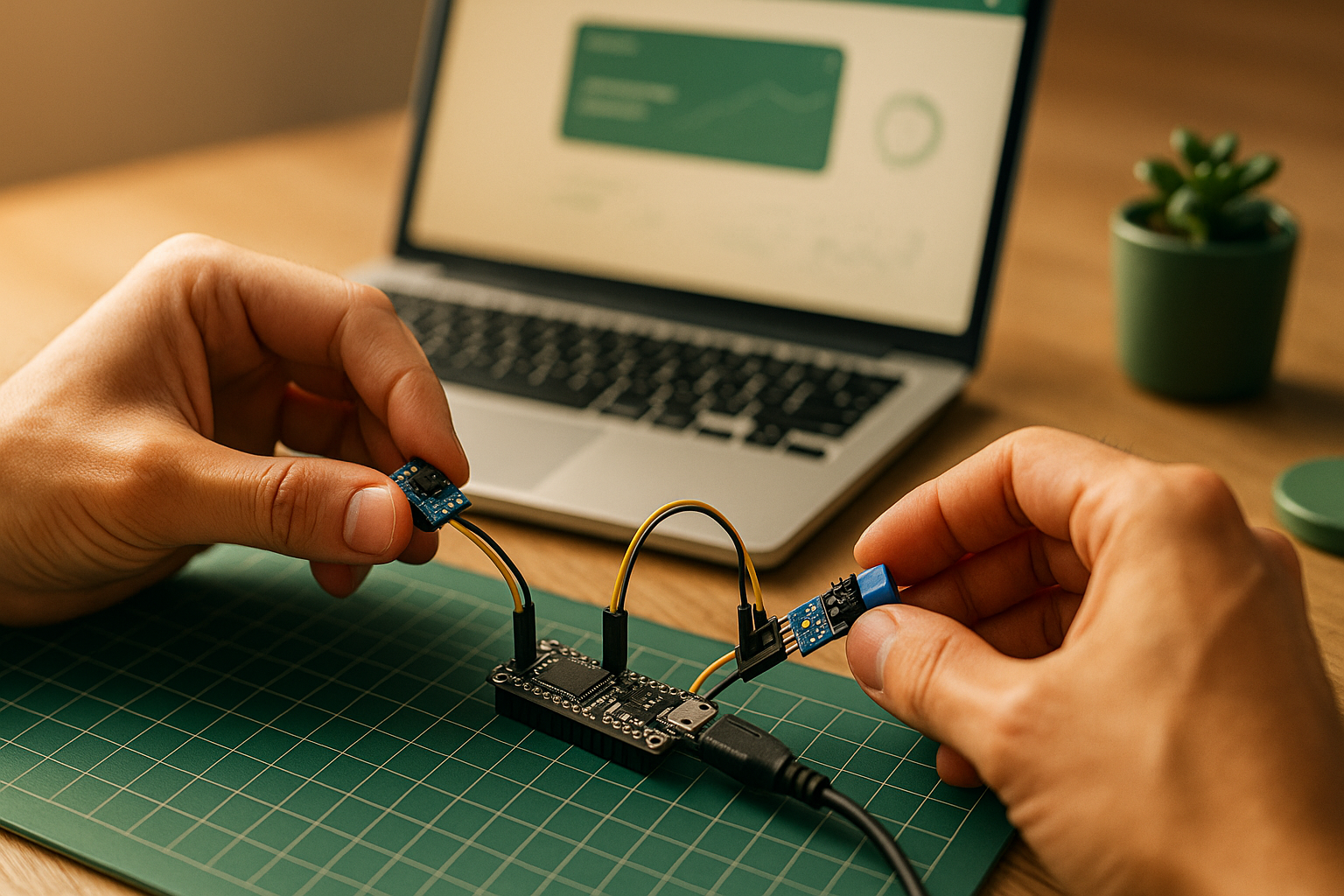
Explore the platform
From first board online to demo day, RazMesh covers the parts students usually waste weeks reinventing — provisioning, dashboards, alerts, and a clean API surface.
Register ESP32, Arduino-class boards, and gateways with a guided flow. Name devices, attach metadata, and get them talking without writing a custom onboarding stack.
Build views for temperature, humidity, power, motion, or custom payloads. Track status across your mesh and share a demo screen that actually stays readable under pressure.
Know when a node drops offline or a threshold is hit. Email request quotas scale with your plan so teams can notify members without bolting on another service.
Token-based access and sensible defaults keep student fleets safer than hard-coded credentials in shared repos. Rotate access when project teams change.
Hook RazMesh into Python scripts, mobile prototypes, or course submissions. Documentation is written for builders who need working examples, not enterprise sales decks.
Separate lab experiments, FYP prototypes, and group demos into their own dashboards — so one messy workspace doesn’t bury the project you need to present.
Use cases
Whether it’s a one-week lab or a semester-long FYP, RazMesh stays out of the way while your hardware work stays front and center.
Get sensors reporting in a single session. Less time on cloud setup means more time validating readings and writing the report.
Keep months of telemetry organized. Show examiners a stable dashboard instead of a localhost demo that only works on your laptop.
Share device access across teammates, split dashboards by module, and stop fighting over whose MQTT broker is “the real one.”
Give makerspace or IoT club members a common platform so workshops start with hardware — not 40 minutes of environment setup.
How it works
A short path from first connection to a working project demo — designed around how student labs actually run.
Create a project, register each board, and store the credentials you’ll flash or inject into firmware. Label nodes clearly so teammates know what’s what.
Point devices at RazMesh, verify heartbeats, and map sensors to readable fields. Fix connection issues early — before demo day panic.
Assemble dashboards, set alerts, pull data through the API, and keep the system online while you iterate on the actual product idea.
Why RazMesh
Enterprise IoT stacks assume dedicated DevOps. RazMesh assumes a deadline, a shared lab bench, and a presentation next week.
Pricing
Choose capacity that matches a solo lab, a team FYP, or a club workshop — upgrade only when you need more devices or dashboards.
Solo labs
RM 10/mo
Most used
RM 25/mo
Large teams
RM 50/mo
Students
Feedback from students who used RazMesh on labs, team builds, and final presentations.
“RazMesh saved me hours of troubleshooting. I could focus on the sensor logic instead of fighting device configs and random broker dropouts the night before submission.”
“As someone new to IoT, the learning curve felt manageable. The interface is clear, the docs make sense, and I wasn’t left guessing which tutorial still works in 2026.”
“Our senior team used it to manage sensors and visualize data in real time. Having one shared dashboard kept the demo stable when examiners asked us to show live readings.”
FAQ
Quick answers before you spin up a project or pick a plan.
Get started
Plans start at RM 10 / month. Request access with your school email and you’ll be able to register devices, open dashboards, and follow the docs at your own pace.
No credit card required for trial. Already have an account? Log in from the top navigation.